

4MP Smart Bulb Camera E27 – Dual Lens, Wi-Fi, Screw-In Light Bulb Security Camera

15 $
Item added to cart View Cart Checkout
Item added to wishlist View Wishlist
Item removed from wishlist

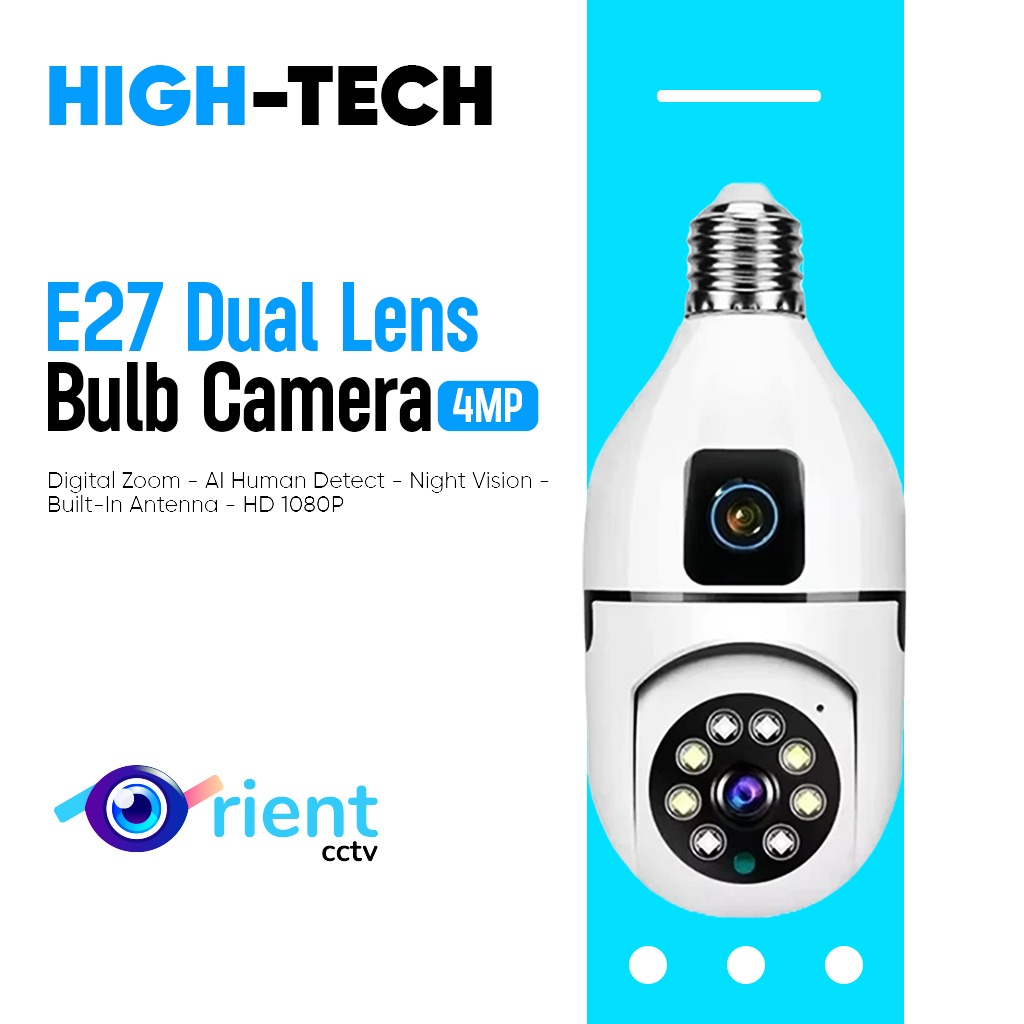
The smart bulb camera screws into a standard E27 socket and looks like an ordinary light bulb, so it needs no extra wiring. It has two lenses for a wider view, records in 4MP resolution and sends live video to your phone.

Night vision, motion detection and two-way audio come as standard, so you can check on a garage, shop or hallway and speak through the bulb. A built-in light works as a normal bulb whenever the socket is switched on.

It is a convenient option for rooms where power is available only at a light fitting.

Key Features of the 4MP Smart Bulb Camera E27

  • E27 screw-in fitting – installs in any standard E27 socket.
  • Dual lenses – wider coverage than a single lens.
  • 4MP video – sharper than 1080p video.
  • Night vision – records in the dark.
  • Two-way audio – speak through the bulb.
  • Motion alerts – phone notifications on movement.

4MP Smart Bulb Camera E27 Specifications

Resolution 4MP
Socket E27
Lenses 2
Connectivity Wi-Fi

What Is in the Box

  • Smart bulb camera
  • Quick-start guide

Good to Know

  • Wi-Fi cameras connect to a 2.4GHz network during setup, so keep the phone on 2.4GHz while pairing.
  • Use cameras only where recording is legal and respect the privacy of others.
  • Place the camera within good Wi-Fi range of your router for stable live video.
  • The socket must stay switched on so the camera stays powered.

Buying Guide

How to choose a security camera: decide first where it will be used. Indoor cameras focus on features such as pan and tilt, two-way audio and a privacy-friendly design, while outdoor cameras need a weatherproof housing and good night vision. Check the resolution, because higher megapixel counts give clearer faces and number plates, and look for motion alerts so you are notified when something happens.

Think about power and storage. Wi-Fi cameras need a nearby power point, solar models need sunlight, and wired kits need cable runs to a recorder. Footage can be stored on a memory card, on a hard drive in a recorder, or in a paid cloud service. Place cameras at entry points and at a height that is hard to reach, and keep the firmware and app updated.

Good practice: change the default password, use a strong Wi-Fi password and tell visitors or staff that recording is in use where the law requires it.

You may also like

Clear Filters
WiFi Recorder 1080p HD Body Camera with Night Vision
22 $
Waterproof Inspection Camera Endoscope – 5.5mm Lens, 3.5m Cable, Pipe and Engine Inspection
V380 Solar Dual-Lens PTZ Security Camera – 10x Zoom, Solar Powered Outdoor Wi-Fi Camera, Mobile App
40 $
V380 Pro Dual-Lens PTZ Security Camera – Waterproof Outdoor Wi-Fi Camera, Pan and Tilt, Night Vision, Mobile App
25 $
Item added to cart View Cart Checkout
Item added to wishlist View Wishlist
Item removed from wishlist
Best Rated
Hot Deals
Popular This Week